
A customer’s first impression of your restaurant increasingly happens on a screen. Before they taste a single dish, they’ve already judged your business by how easy it was to find the menu, customise an order, and pay. A smooth online ordering experience builds trust and repeat business. A frustrating one sends customers straight to a competitor, often mid-checkout.
So what separates a good online ordering experience from a forgettable one? Here are the eight features that matter most, from both the customer’s and the restaurant’s point of view.
1. A Fast, Mobile-First Design
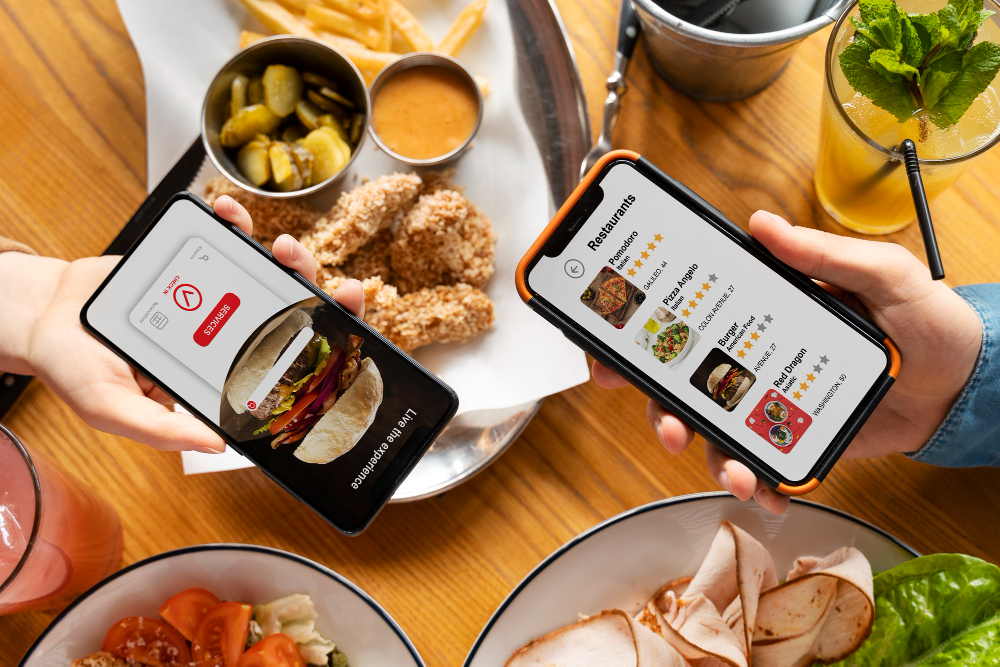
Most online food orders are placed on phones, so your ordering page needs to work flawlessly on a small screen. That means quick load times, large tap-friendly buttons, readable text, and a layout that doesn’t require pinching or zooming. Slow or clumsy mobile pages are one of the biggest causes of abandoned orders. If your page takes more than a few seconds to load, customers may give up before they even see your menu.
2. A Clear Menu With Easy Customisation
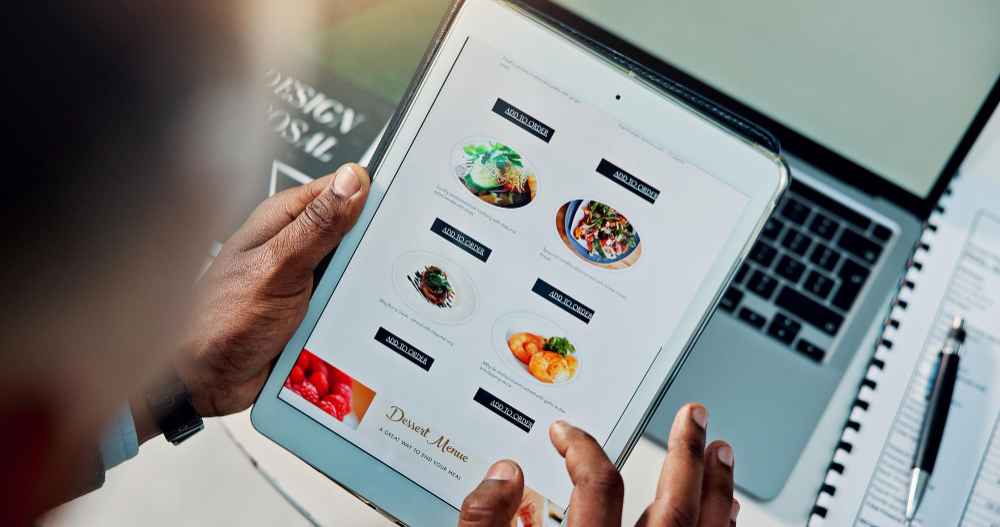
Customers should be able to find what they want in seconds. A good digital menu includes logical categories, clear item names, short appetising descriptions, accurate prices, high-quality photos for key dishes, and dietary and allergen labels such as vegetarian, vegan, or gluten-free.
Food orders are also rarely one-size-fits-all. Customers want to choose sizes, add toppings, swap sides, or remove ingredients. Simple modifiers, with required choices flagged so nothing gets missed, make ordering easier for the customer and protect your kitchen from mistakes, since every request is captured exactly as entered.
3. A Simple, Frictionless Checkout
Checkout is where most orders are won or lost. The fewer steps and fields, the better. Look for guest checkout so customers aren’t forced to create an account, saved details for returning customers, address auto-fill, and a clear order summary before payment that shows all fees and totals. Hidden charges appearing at the last moment are a leading cause of cart abandonment, so be upfront about costs throughout.
4. Flexible, Secure Payment Options
Customers expect to pay the way they prefer. A strong ordering experience supports major credit and debit cards, along with digital wallets such as Apple Pay and Google Pay, which let customers pay in a couple of taps. Payments should be processed through a secure, trusted gateway, with clear visual cues that reassure customers their details are safe.
5. Delivery and Pickup Choices With Accurate Timings
Not every customer wants the same thing. Offering both delivery and pickup, and making the choice clear at the start, lets people order the way that suits them. Postcode checking helps customers see immediately whether you deliver to them, and scheduled orders let them order ahead for later in the day.
Realistic time estimates matter just as much. Few things frustrate customers more than an order that takes far longer than promised, so base your estimates on actual kitchen load. It’s better to quote a slightly longer time and deliver early than to promise a quick turnaround and arrive late.

6. Order Confirmation and Status Updates
Once an order is placed, customers want reassurance that it went through. A good system sends an instant confirmation and, ideally, updates along the way, such as when the order is being prepared, out for delivery, or ready for collection. These notifications, usually delivered by SMS, email, or in-app message, also reduce the number of “where’s my order?” calls your staff have to handle.
7. Real-Time Menu Sync and POS Integration
Few experiences are more disappointing than ordering a dish only to be told it’s sold out. Your online menu should update in real time, so unavailable items are hidden or clearly marked and price changes appear instantly.
This works best when your online ordering connects directly to your POS and kitchen display. Orders flow straight in with no manual re-entry, which means fewer errors and faster preparation. Without integration, staff end up retyping orders, which slows service and increases mistakes.
8. Loyalty, Upsells, and Smart Controls
The best ordering experiences keep customers coming back and protect your operation behind the scenes. Saved favourites, one-tap reordering, and loyalty rewards make repeat orders effortless, so customers are less likely to wander off to a marketplace app. Gentle suggestions like “add a drink” or combo deals help customers discover more of your menu while raising your average order value, as long as they feel helpful rather than pushy.
For the restaurant, order capacity controls that cap orders per timeslot or pause ordering during rushes keep quality high and delivery times honest. Reporting on best-sellers, peak times, and checkout drop-off points then helps you keep refining the experience over time.
Final Thoughts
A good online ordering experience comes down to removing friction at every step: a fast mobile page, a clear menu, simple customisation, a quick checkout, honest timing, and reliable communication. Behind the scenes, integration with your POS and kitchen keeps everything accurate and efficient.
Before choosing or upgrading an ordering system, test it yourself as a customer would. Order a meal on your phone, on a normal mobile connection, and note every moment of hesitation or annoyance. Those small friction points are exactly where real customers drop off, and fixing them is one of the most effective ways to win more orders.