For a takeaway, online ordering isn’t a bonus feature. It’s often the main way customers find you, order from you, and decide whether to come back. Unlike a sit-down restaurant, a takeaway lives on speed, accuracy, and volume, with orders arriving by phone, website, and delivery apps all at once, usually during the same hectic hour.
The right online ordering system can take the pressure off your team, cut commission costs, and keep customers ordering direct. The wrong one adds another screen to juggle. Here are the eight features worth looking for when choosing an online ordering system for your takeaway.
1. Direct Integration With Your POS and Kitchen
This is the feature that matters most. When an online order lands, it should flow straight into your POS and print or display in the kitchen automatically, with no one retyping it. Manual re-entry is where mistakes, delays, and missed orders creep in, especially on a busy Friday night.
Look for a system where online orders appear alongside phone and in-store orders in one queue, with every modifier and note intact. If your staff are checking a separate tablet for online orders, the system isn’t saving you much time.
2. A Fast, Mobile-Friendly Ordering Page
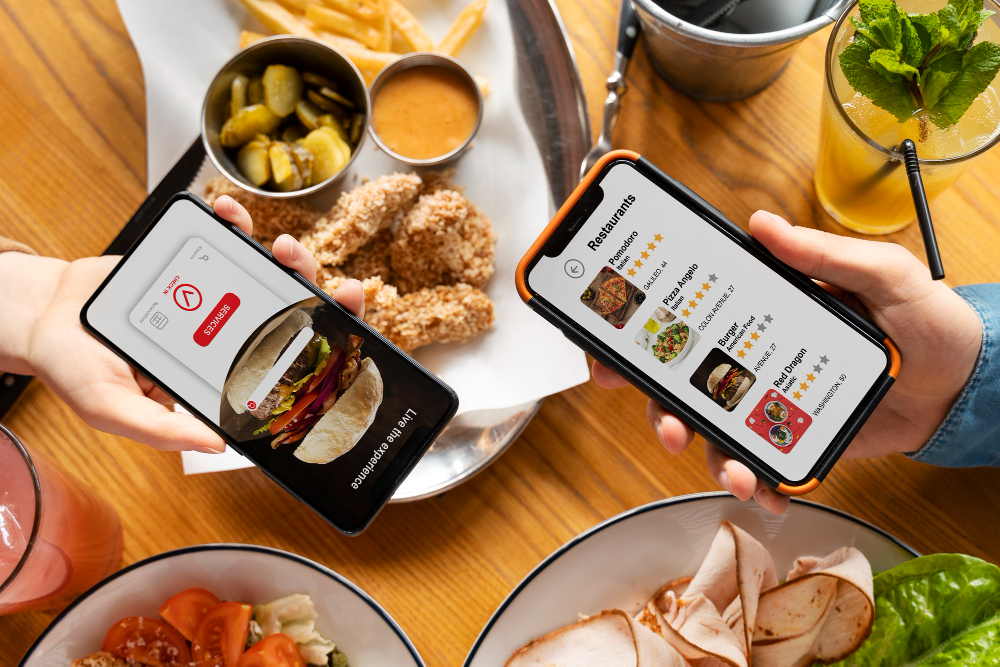
Most takeaway orders are placed on a phone, often by someone who’s hungry and impatient. Your ordering page needs to load quickly, display cleanly on a small screen, and let customers get from menu to payment in just a few taps. Clunky mobile pages are one of the biggest reasons customers abandon their order and switch to a marketplace app.
Test it yourself on your own phone, on a normal mobile connection, before committing to any provider.
3. A Flexible Menu With Easy Modifiers
Takeaway menus are full of choices: sizes, sauces, toppings, spice levels, meal deals, and “make it a combo” options. Your system should handle all of these cleanly, with required choices clearly flagged so customers don’t miss them, and optional extras easy to add.
Good menu management also means you can update prices, hide sold-out items, and add specials in minutes, with changes syncing instantly across your website and POS. Features like allergen labels and clear item photos help customers order confidently and reduce questions to your staff.
4. Delivery and Collection Management
Most takeaways offer both delivery and collection, so your system should support both smoothly. For delivery, look for tools that let you set delivery zones by radius or postcode, charge different delivery fees by area, and set minimum order values. Customers should know straight away whether you deliver to their address, rather than finding out at checkout.
For collection, customers should be able to choose a pickup time, and you should be able to give realistic preparation estimates. If you run your own drivers, driver assignment and delivery tracking features can save a lot of phone calls.
5. Order Controls for Busy Periods
A takeaway can be swamped in minutes. Without limits, a rush of online orders can overwhelm the kitchen, leading to long waits, cold food, and unhappy customers. Look for controls that let you:
- Cap the number of orders per timeslot
- Adjust preparation and delivery times when you’re busy
- Temporarily pause online ordering when the kitchen is at capacity
- Schedule orders for later, spreading demand across the evening
These tools protect your food quality and your reputation, and they stop busy nights from turning into chaos.
6. Secure, Flexible Payments
Customers expect to pay however suits them: debit and credit cards, Apple Pay, Google Pay, and sometimes cash on collection or delivery. Your system should offer these options through a secure, trusted payment gateway, with a clean checkout that doesn’t ask for unnecessary details.
Check the fee structure carefully. Some providers charge a monthly fee plus standard payment processing, while others add per-order charges that quietly eat into your margins. A clear pricing breakdown before you sign is essential.
7. Promotions, Upsells, and Loyalty Tools
Takeaways run on promotions: meal deals, discount codes, and combo offers. A good online ordering system lets you set these up easily, with suggested add-ons like drinks, sides, and desserts appearing at checkout to lift your average order value.
Loyalty features and saved customer details are just as valuable. When customers can reorder their usual in a couple of taps, and earn rewards for ordering direct, they’re far less likely to default to a delivery marketplace that takes 15-30% of every order.
8. Reporting, Support, and Room to Grow
Finally, look at what sits behind the ordering page. Good reporting shows you your best-selling items, busiest hours, average order value, and where customers drop off during checkout. That information helps you plan staffing, trim weak menu items, and fine-tune promotions.
Responsive support matters too. When something goes wrong on a Saturday night, you need a real person to help quickly, not a ticket queue. And if you plan to open a second takeaway or add services like kiosks or QR ordering later, choose a system that can grow with you rather than one you’ll have to replace.

Final Thoughts
For a takeaway, the best online ordering system is the one that makes busy nights easier: orders arrive accurately, the kitchen stays in control, customers can order in seconds, and you keep more of every sale rather than handing it to a marketplace.
Before you commit, ask for a demo or free trial, place a few test orders as a customer, and watch how orders appear on the kitchen side. If the whole flow feels smooth from phone screen to kitchen printer, you’ve likely found a system that will serve your takeaway well.